Chapter 2 · Discovery · Lesson 7 · 2 min
Closing Soon
What closes next, from your own positions or across all markets, with a countdown to each close.
Closing Soon lists what closes next, soonest first, with a countdown to each close. Use it to keep an eye on your own positions as their markets near the end, or to find markets about to settle.
What you see
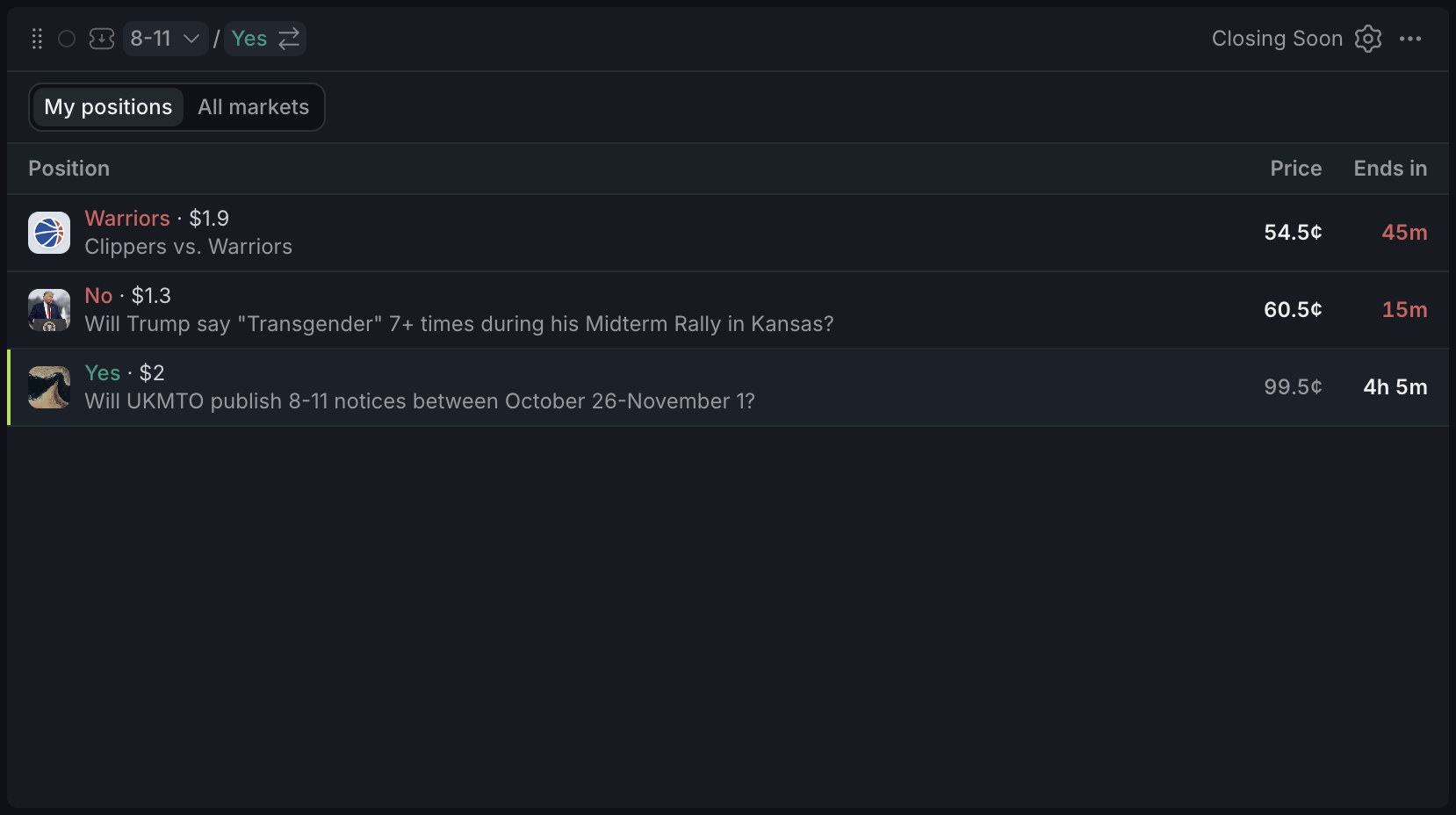
- 1Switch view here
- 2Red: under an hour left
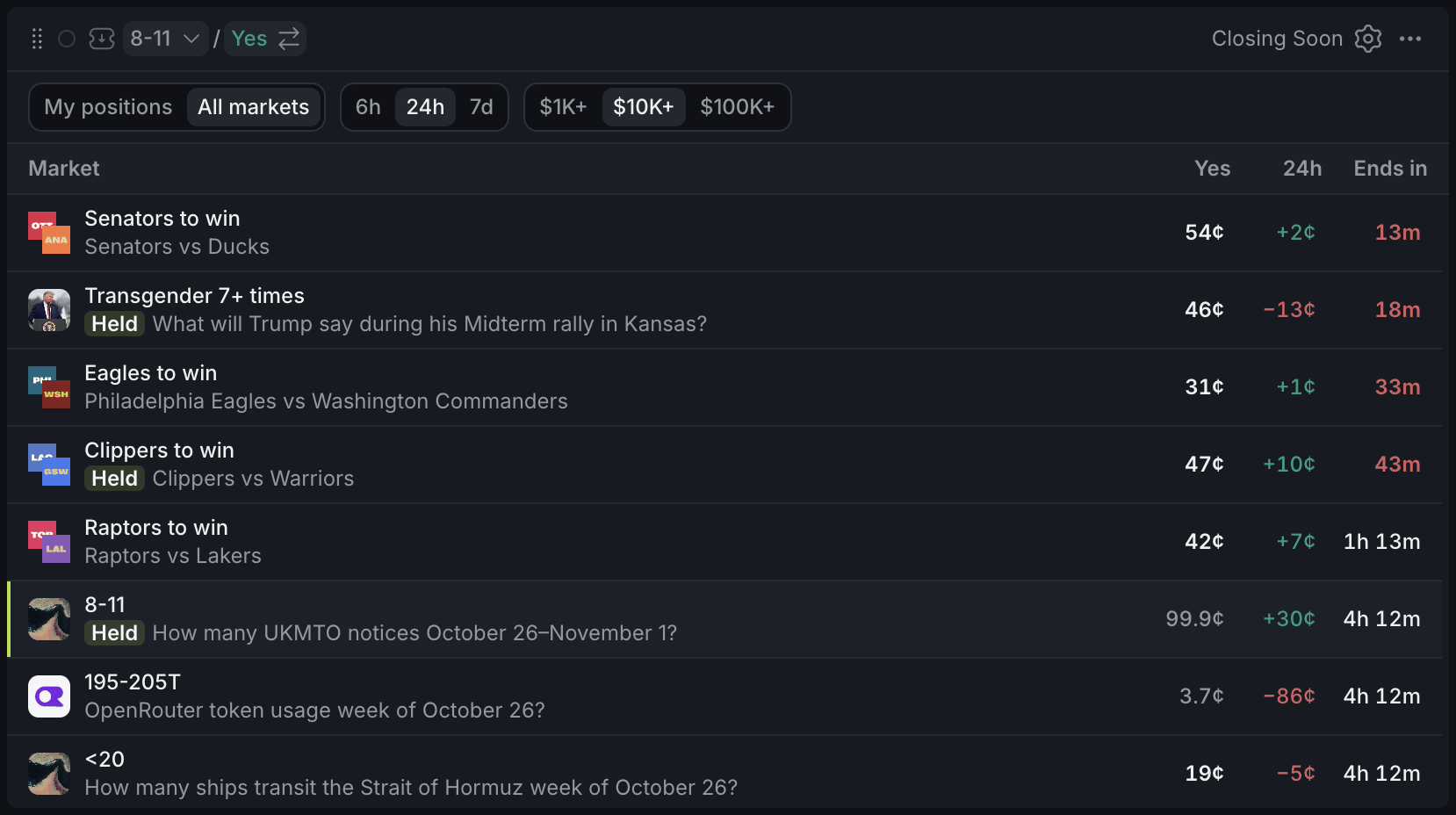
- 1Window and volume
- 2Held: you have a position
- 3Bright: still open. Faded: all but decided
Two views sit at the top. My positions shows your open positions by the time their market closes: the outcome you hold, its value and its price now. All markets shows every active market closing within the window you pick, with its Yes price and 24-hour change. A Held tag marks the ones where you have a position.
The countdown turns red in the last hour. A position past its close that hasn't settled yet reads Now.
Prices between 15¢ and 85¢ stand out, and those under 5¢ or over 95¢ fade. A close that's still an open question is worth a look; one that's all but decided usually isn't.
Using it
Pick a window
On All markets, choose how far ahead to look (6h, 24h or 7d) and the least a market must have traded in 24 hours ($1K+, $10K+ or $100K+). Click a row to load it into your colour.
For a match, the close is its kickoff, so it drops off the list once play starts. Use the Sports Scanner to follow matches in play.
With other widgets
Tips
- Matches crowding the list? Turn on Hide sports and esports in settings to see only questions that settle on news or data.
- Keep Closing Soon on My positions next to Positions: it shows which holdings need attention first.
- The Market Discovery template puts Closing Soon on All markets under Movers and Big Trades.
Finish reading to complete this lesson
Extras
Settings
| Setting | What it does |
|---|---|
| Hide sports and esports | Drops matches from All markets. |
| Highlight undecided prices | Makes prices between 15¢ and 85¢ stand out and fades those near 0¢ or 100¢. On by default. |
| 24h column | Shows or hides the 24-hour change on All markets. |
| Dense rows | Shorter rows, so more of the list fits. |