Chapter 4 · Analysis · Lesson 7 · 2 min
Related Markets
Markets linked to the one you're on: its series, its topic or the league's schedule, one click away.
Related Markets lists the markets around the one you're trading: the rest of its series and other active events on the same topic. For a game, it becomes the league's schedule. Use it to find a hedge, a correlated bet or the next match without searching. It reads its colour's market, so link it to a colour group.
What you see
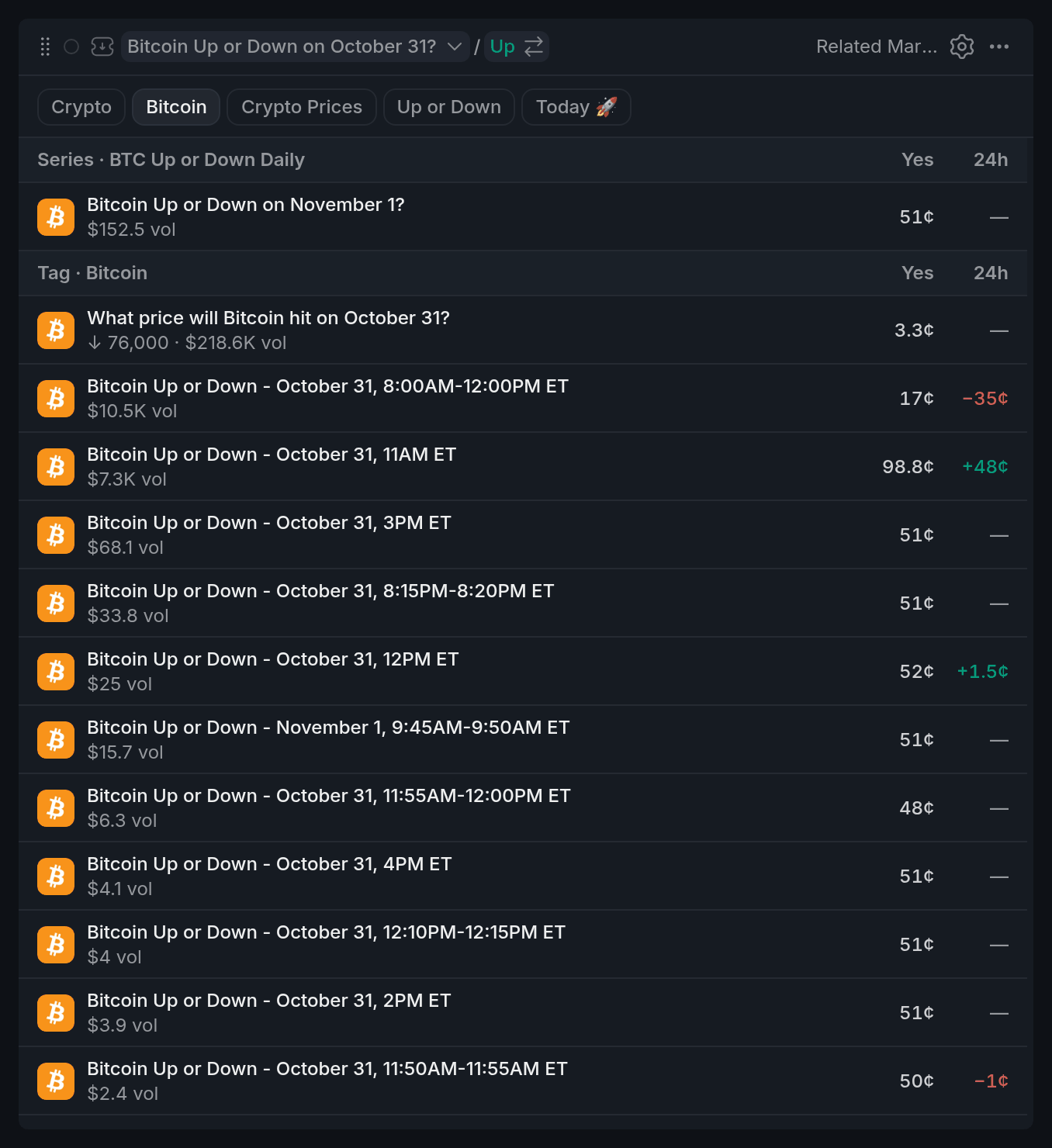
- 1Topic chips
- 2Series section
- 3Yes price and 24h move
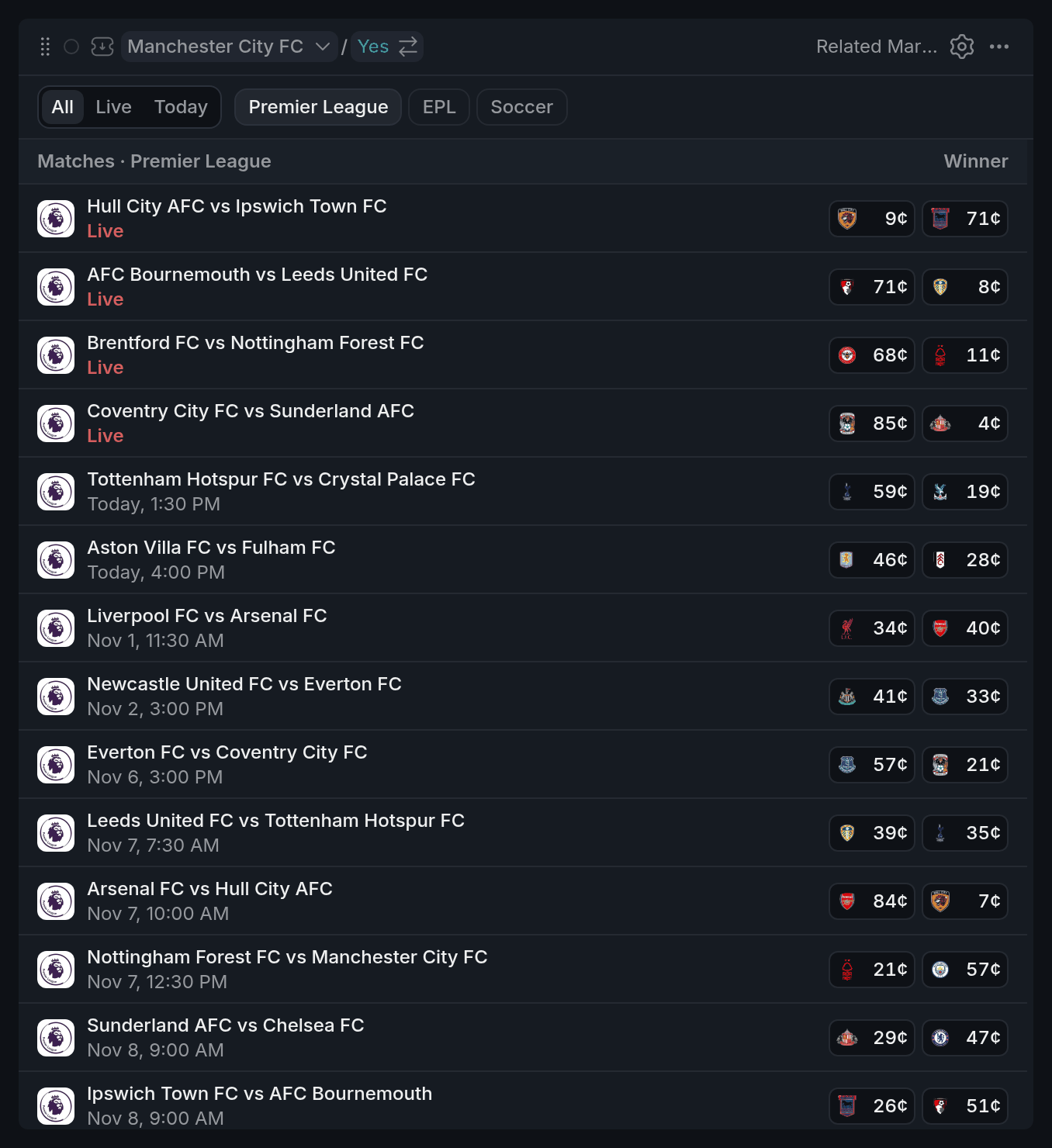
- 1All / Live / Today
- 2A live game
- 3A team's win price
For most markets, the list comes in two parts. Series shows the other events of the same series, like the next months of a monthly question, soonest to close first. Tag shows active events that share a topic with yours, closest matches first, then the busiest. Each row shows the event's busiest market with its Yes price and the move over the last 24 hours, in cents.
For a game, you get Matches instead: the other games in the league by start time, with both teams' win prices. Games already under way show Live.
Settled events, and events where every market sits at 1¢ or less or 99¢ or more, are left out, so everything listed can still be traded.
Using it
Picking the topic
The chips at the top are the market's topics, from broad to narrow. Click one to list events that share it. The list starts on a fairly narrow one, like the league for a game. Your pick stays as long as the next market has that topic too.
For games, All, Live and Today narrow the schedule.
Opening a market
Click a row and that market becomes your colour's market: the chart, book and betslip switch to it. Related Markets switches too and shows what's around the new market, so you can keep walking from one market to the next.
On a match row, click a team's price to open the game on that team straight away.
With other widgets
- The list always follows its colour's market. Pick a market anywhere in that colour and it updates.
Tips
- Trading a monthly or weekly question? The Series section shows the neighbouring dates, which often price the same news a little differently.
- Next to a Betslip in the same colour, the schedule turns into a quick way to bet the next match: click a team's price and the betslip is ready on that side.
- Watching a match day? Set the schedule to Live and hop between the games being played right now.
Finish reading to complete this lesson
Extras
Settings
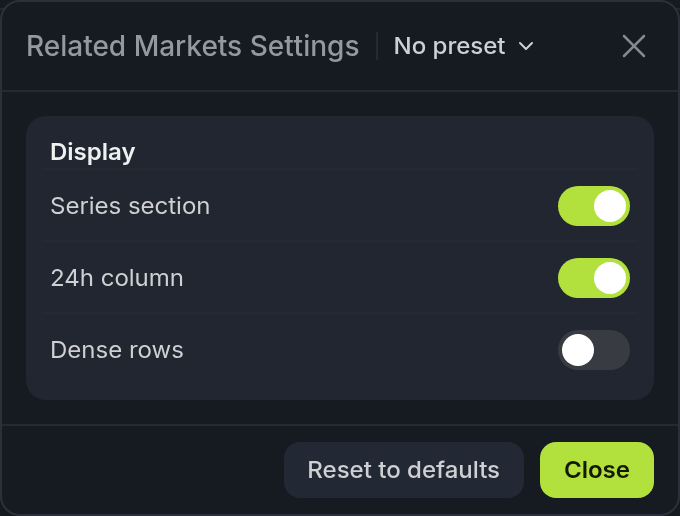
- 1Series section
- 224h column
| Setting | What it does |
|---|---|
| Series section | Shows the series as its own section. Off, its events mix into the topic list. Not shown for games. |
| 24h column | The 24-hour price move. Not shown for games. |
| Dense rows | Shorter rows, so more of the list fits. |